


Verification Checklist

Check the VV Tourist Licence
Every holiday rental in Tenerife, apartment, villa, or room, requires a VV (Vivienda Vacacional) tourist licence issued by the Cabildo de Tenerife. This is not optional and not a bureaucratic technicality: it's a legal requirement under Canarian Decree 113/2015. A valid VV licence confirms the property meets habitability, safety, and fire regulation standards, and that the owner is registered with tax authorities. The licence number takes the format VV-TXXXXXXX. Ask the owner for it before discussing payment. Then verify it yourself: search "Turismo de Tenerife registro turístico" or go to the Cabildo de Tenerife tourism database online and cross-check the number against the listed property address. A legitimate owner provides this immediately and without hesitation. Any owner who says "we're exempt" or "it's in process", walk away.
Request a Video Call Tour
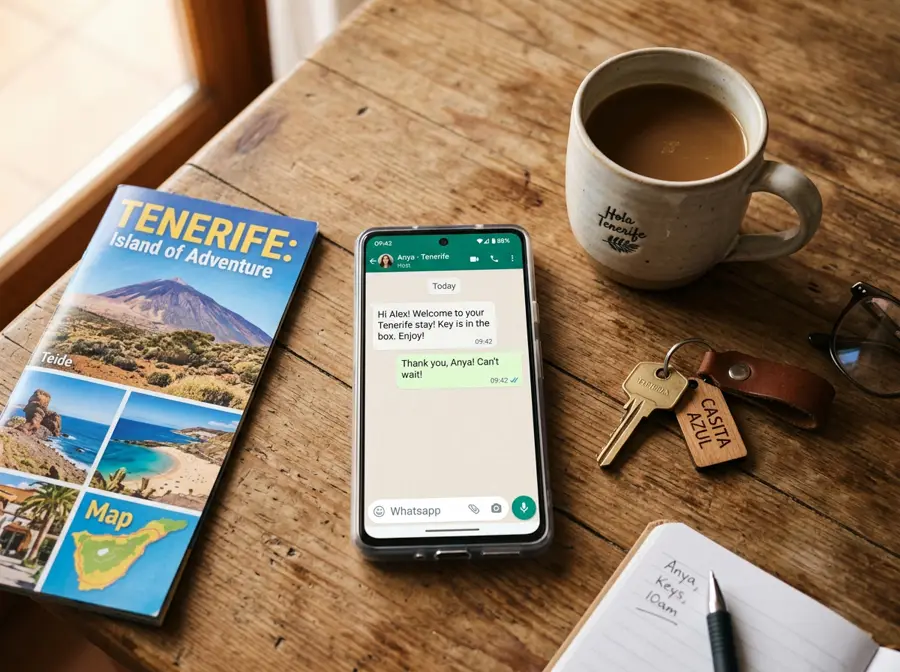
A video call walkthrough of the property is the single most powerful scam-prevention tool available to you, and it costs nothing. Any legitimate owner will happily show their property live on WhatsApp Video or FaceTime. A scammer, by definition, cannot show a property they don't own or don't have physical access to. The video call also gives you information that photos never provide: actual size of rooms, quality of furniture, view from the terrace, noise level from nearby roads, and, critically, you can verify the view matches the Google Maps satellite position of the building. During the call, ask the owner to open windows, show the pool, show the kitchen equipment, and confirm the exact floor number. If they make an excuse about why a video call isn't possible right now, take it as a definitive red flag.
Cross-Check Reviews
Before booking, search for the property and owner name across multiple review platforms. A legitimate Tenerife South rental typically has a track record: Google My Business reviews, TripAdvisor listing, or historical Airbnb/Booking.com profile even if the owner now prefers direct bookings. Reviews across multiple platforms are significantly harder to fake than single-platform review counts. Look for: consistency of the property description across platforms, reviewer accounts that have other reviews (not single-review accounts), and specific details in reviews that match the property being offered. Ask the owner directly: "Do you have any reviews I can read before booking?" A genuine owner points you straight to their Google listing or previous guest testimonials. Also check the Facebook profile age, a profile created two months ago listing holiday apartments is a warning sign.
Verify the Exact Address
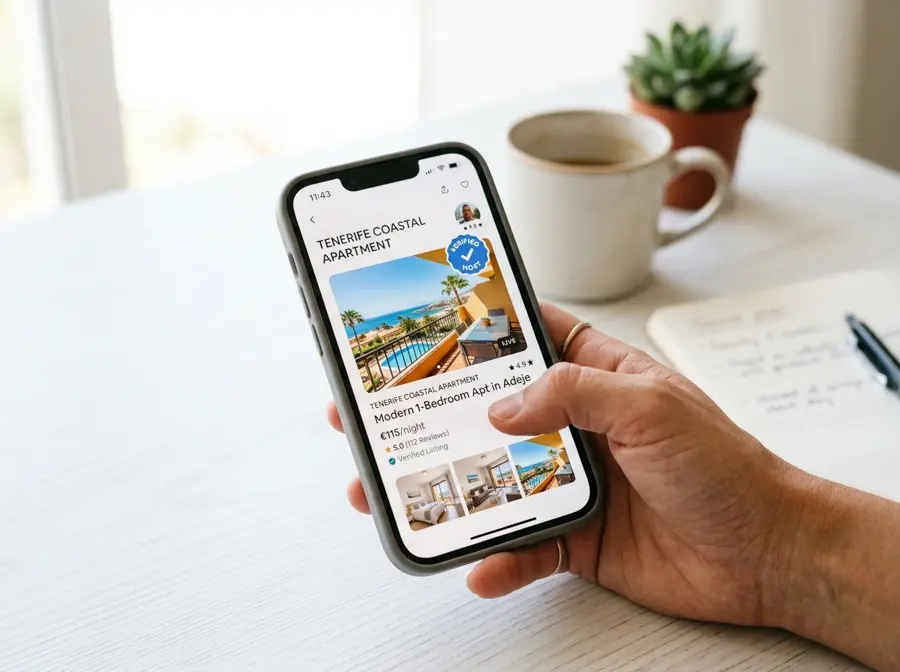
Get the full street address including apartment number, urbanisation name, and floor before committing to any payment. Then verify it on Google Maps Street View. Does the building exist? Does it look like the complex in the photos? Is the distance to the beach what was claimed? Count the floors, if the owner says "fifth floor penthouse" and the building has four floors, that's a discrepancy worth querying. Check the street view timestamp: some complexes have changed significantly in recent years, and a 2019 Street View image may not reflect current reality, but you can at least confirm the building is real and in roughly the right area. Also verify the distance to the nearest beach using Google Maps walking directions, many listings claim "5 minutes walk to beach" when it's more accurately 12-15 minutes. This matters when you're carrying beach bags in 28°C heat.